Automation
Production Systems • AI-Assisted Workflows
PAZE, Dropbox, Disney+, Botox
The Problem
Creative production at scale breaks without systems. When Disney+ launched into 52 countries, every endcard needed to adapt to different offerings and languages. For Starbucks, Dairy Queen, PAZE and Dropbox, editors were manually formatting supers and closed captions across dozens of assets. And when Botox came in with 400+ video variations a year across multiple formats, each asset was taking 2-3 hours of hands-on production work. The math doesn't work. Every project needed scripts pulled from approved transcripts, organized folder structures for internal and overseas teams, storyboard screenshots linked back to source footage, and motion graphics built to spec across 9x16, 4x5, and 16x9. The only options were hire more people or find a better way to work.
I chose the better way.
The Solution
I've been building automation systems for six years, starting with After Effects expressions and evolving into AI-assisted production pipelines using Claude and Claude Code.
Disney+ (2019): Built an Essential Graphics template system using AE expressions that automated endcard resizing and language switching across 52 countries at launch.
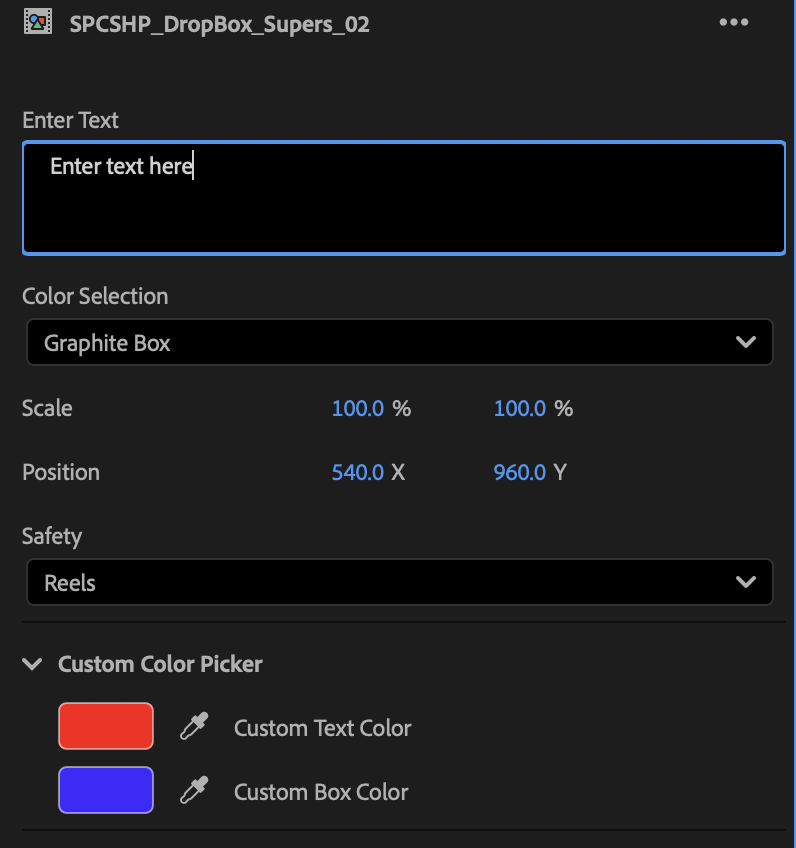
Starbucks, Dairy Queen, PAZE & Dropbox (2025): Built Essential Graphics panels for After Effects and Premiere Pro to quickly generate supers, legal, and closed captions.
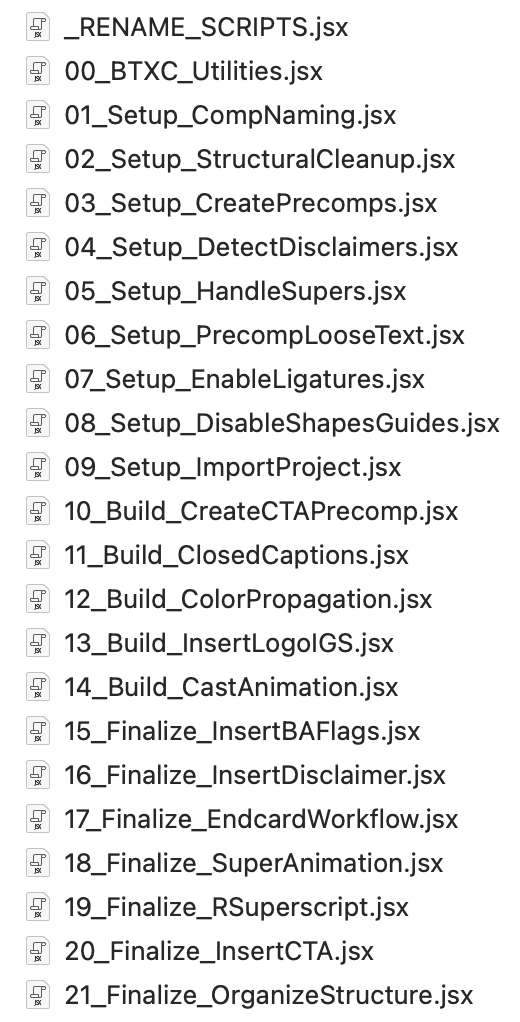
Botox (2025-Present): This is where everything came together. I built five connected systems that form an end-to-end production pipeline: a Claude Project for script generation and asset retrieval, an automated folder structure builder on LucidLink, a custom Figma plugin for storyboard-to-edit linking, an After Effects template system with 13 precomps, and 23 After Effects scripts built with Claude Code that automate the entire animation process.
What used to take 2-3 hours per asset now takes about 5 minutes.
The Process
Here's how it works when a new batch of Botox videos comes in:
Script Generation: The creative team uploads a brief to a Claude Project loaded with 200+ approved transcripts, Botox regulatory guidelines, and past approved scripts. Claude generates first-draft scripts in seconds. The same project lets the post team search finished scripts to find exact timecodes and file locations on LucidLink, which is critical since both internal and overseas vendors access the same server.
Folder Structure: The storyboard (anywhere from 5-20+ videos) goes into a second Claude Project that knows the correct naming conventions. It generates a CSV that drops into a watch folder I built on LucidLink using Claude Code and Terminal. The watch folder automatically creates the full folder structure, subfolders, and places a PDF at the top with instructions on where and how each team should save. This keeps everything organized across multiple teams.
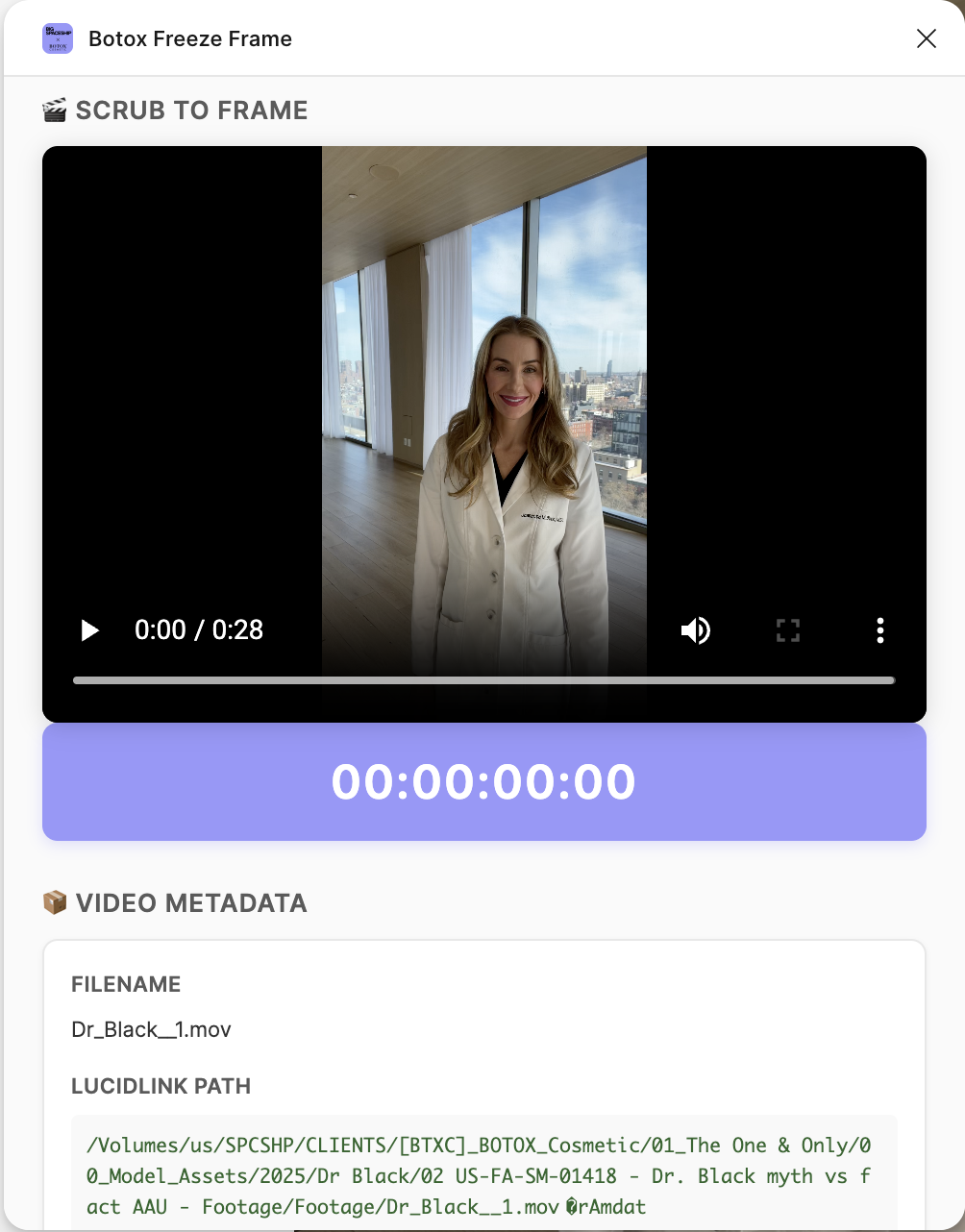
Storyboarding (Figma Plugin): Built with Claude Code. Creatives open a video in Figma, scrub to a specific frame, and place a still into a design frame. The plugin auto-renames the layer with the filename and timecode and attaches metadata linking back to the LucidLink path. Editors can instantly trace any screenshot back to its source footage.
After Effects Template: A master template with Essential Graphics panels that automates endcards, logos, supers, and recurring graphics. Dropdowns switch between 9x16, 1x1, and 16x9. A precomp system handles platform-specific safe zones for Meta Stories, Reels, and TikTok. 13 precomps in total.
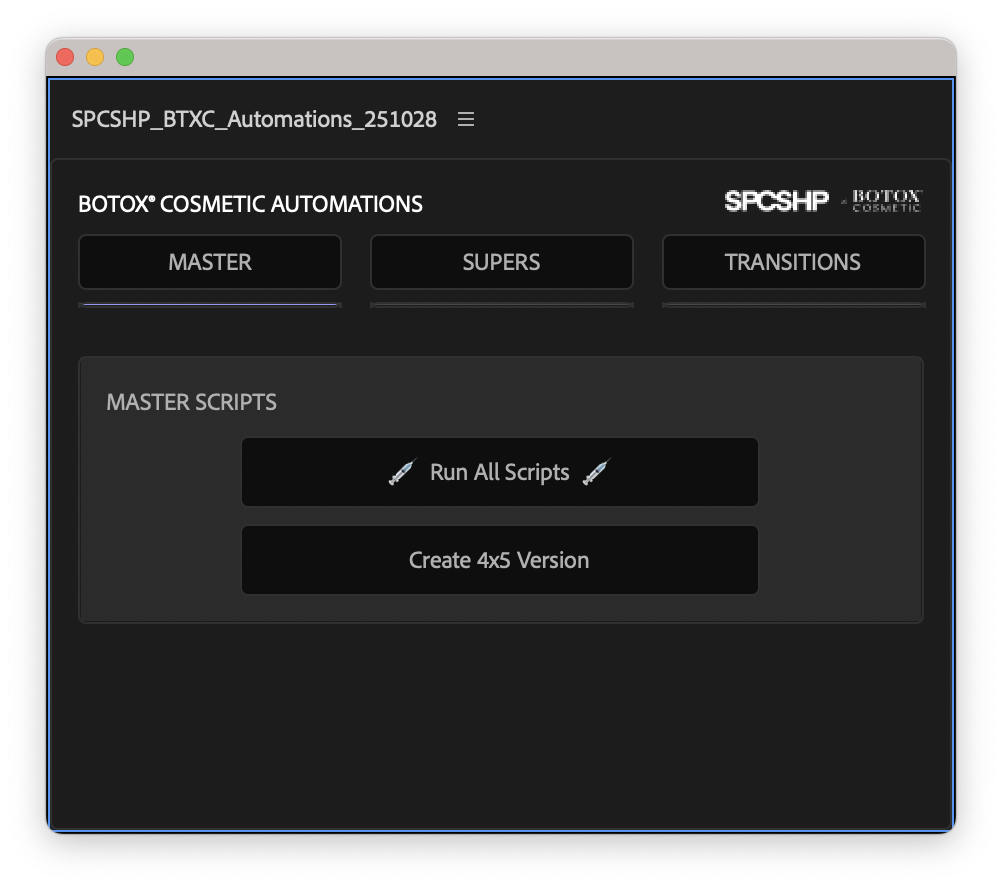
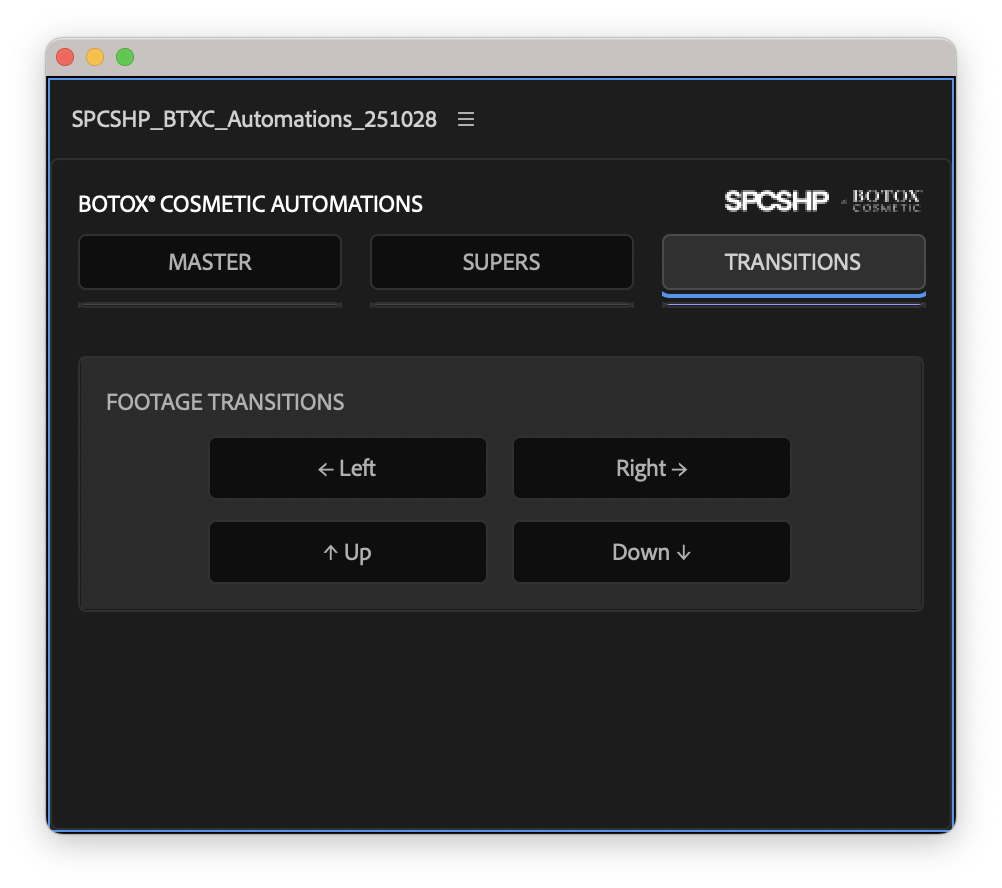
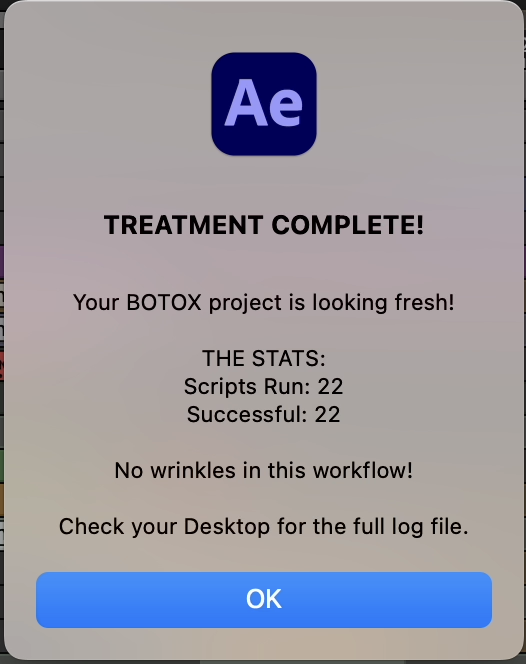
23 After Effects Scripts (Claude Code): The full automation layer. Scripts run sequentially through a master runner with error handling and a dockable ScriptUI panel for one-click access.
Figma Import Cleanup (01-05): Rename compositions, clean up structure, detect and classify layer types through text and visual analysis, create organized precomps, enable ligatures.
Layer Organization (06-08): Disable non-essential layers, precomp closed captions, propagate color-coded labels through the project hierarchy.
Template Integration (09-14): Import the branded template, replace Figma layers with animation-ready comps, auto-detect Essential Properties like color, aspect ratio, position, disclaimer type, and footage type.
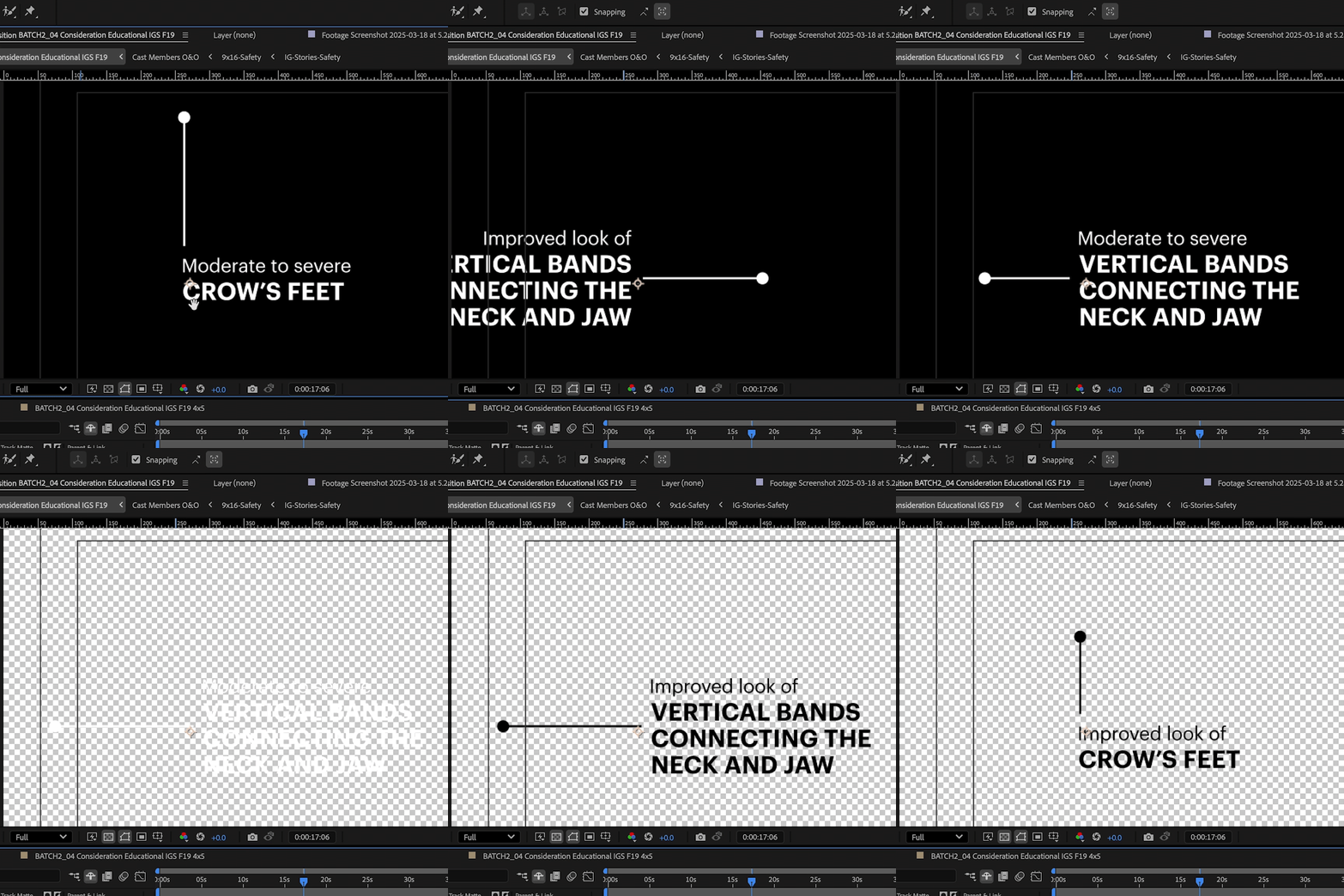
Animation & Finishing (15-17): Animate supers with stagger timing, flag registered symbols for review, insert CTAs with text and style detection.
Master Runners & Panel: Batch execution, 4x5 format converter, one-click panel access.
Across 400+ videos a year, this is the difference between needing a team of 10 and needing a team of 4.